For D2C, B2B lead generation & SaaS
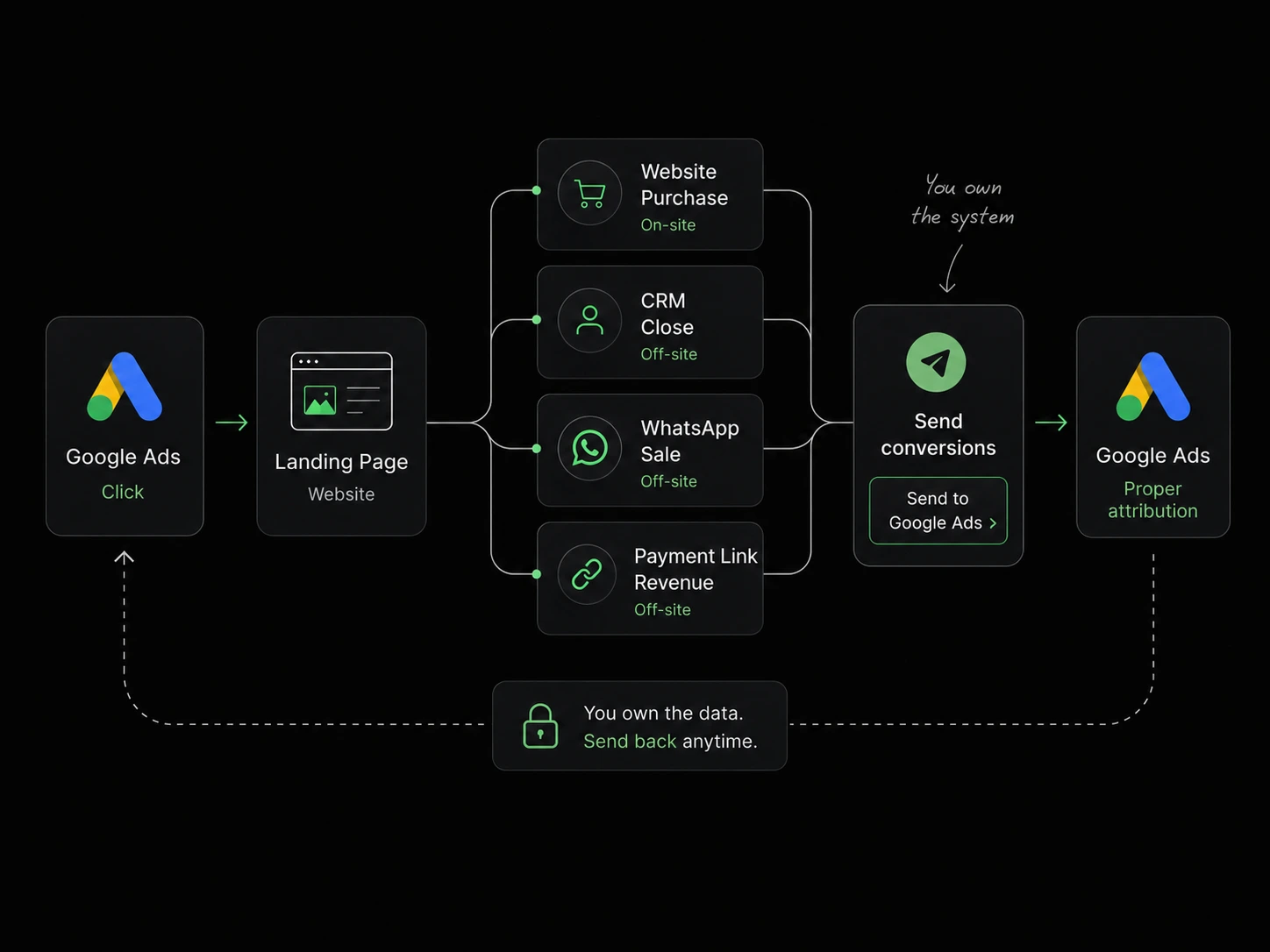
Connect Google Ads clicks with website purchases, CRM closes, WhatsApp sales, and payment-link revenue using a pre-built tracking system your business owns.
Installs in about 2 hours. Pay once. Own forever.
The tracking gap
Three ways your tracking is silently sabotaging your ad spend right now. Most coaches running Meta ads have at least two of these happening simultaneously.
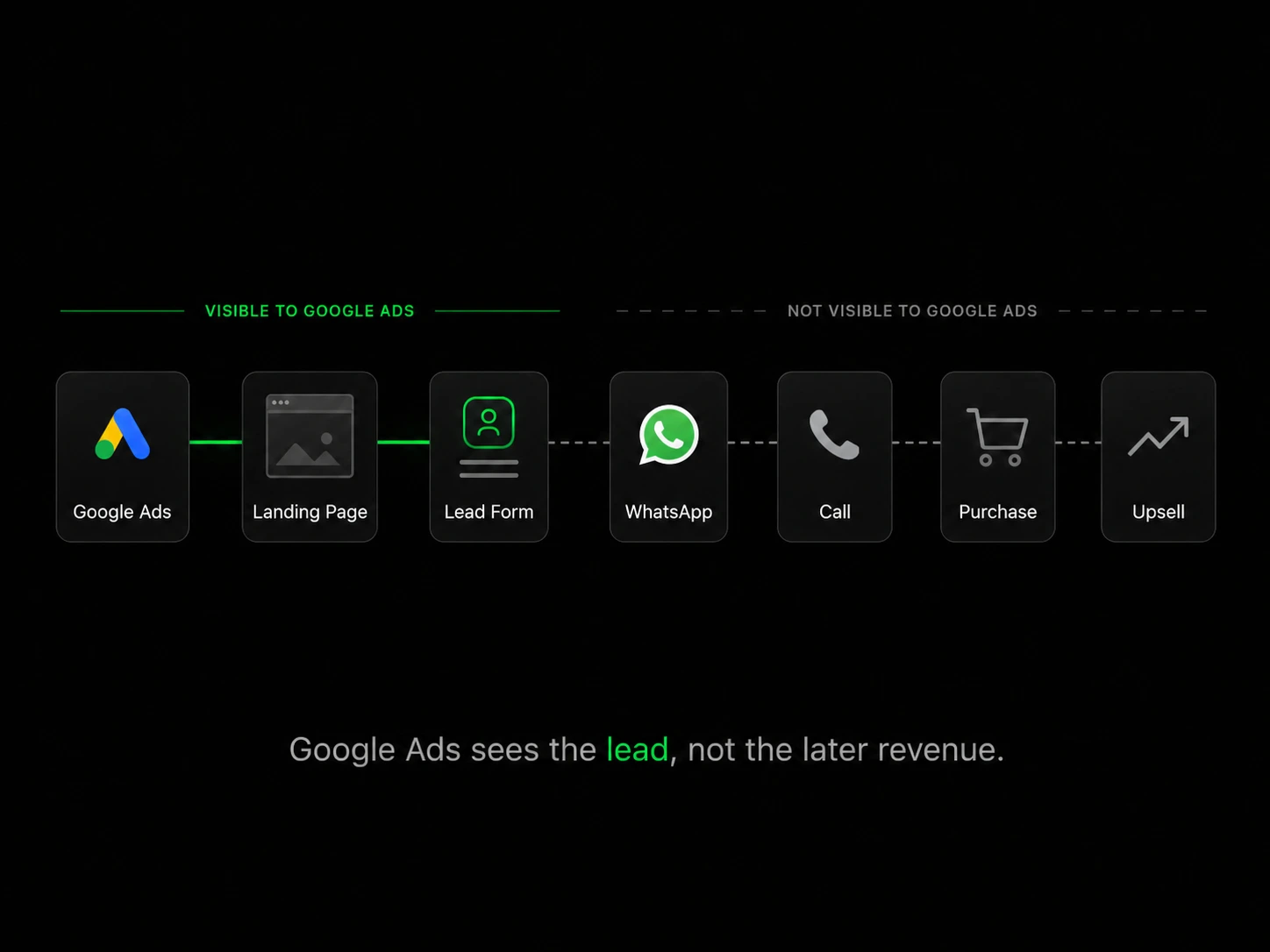
The conversation moved outside your website, so the final sale stayed invisible.
Your CRM recorded a customer. Google Ads recorded only a form submission.
The customer paid through Razorpay or Cashfree after the original visit.
The original Google Ads click was lost before the customer completed the purchase.
When Google Ads sees only part of the customer journey, it learns from partial conversion data and optimises your budget against it.
The complete connection
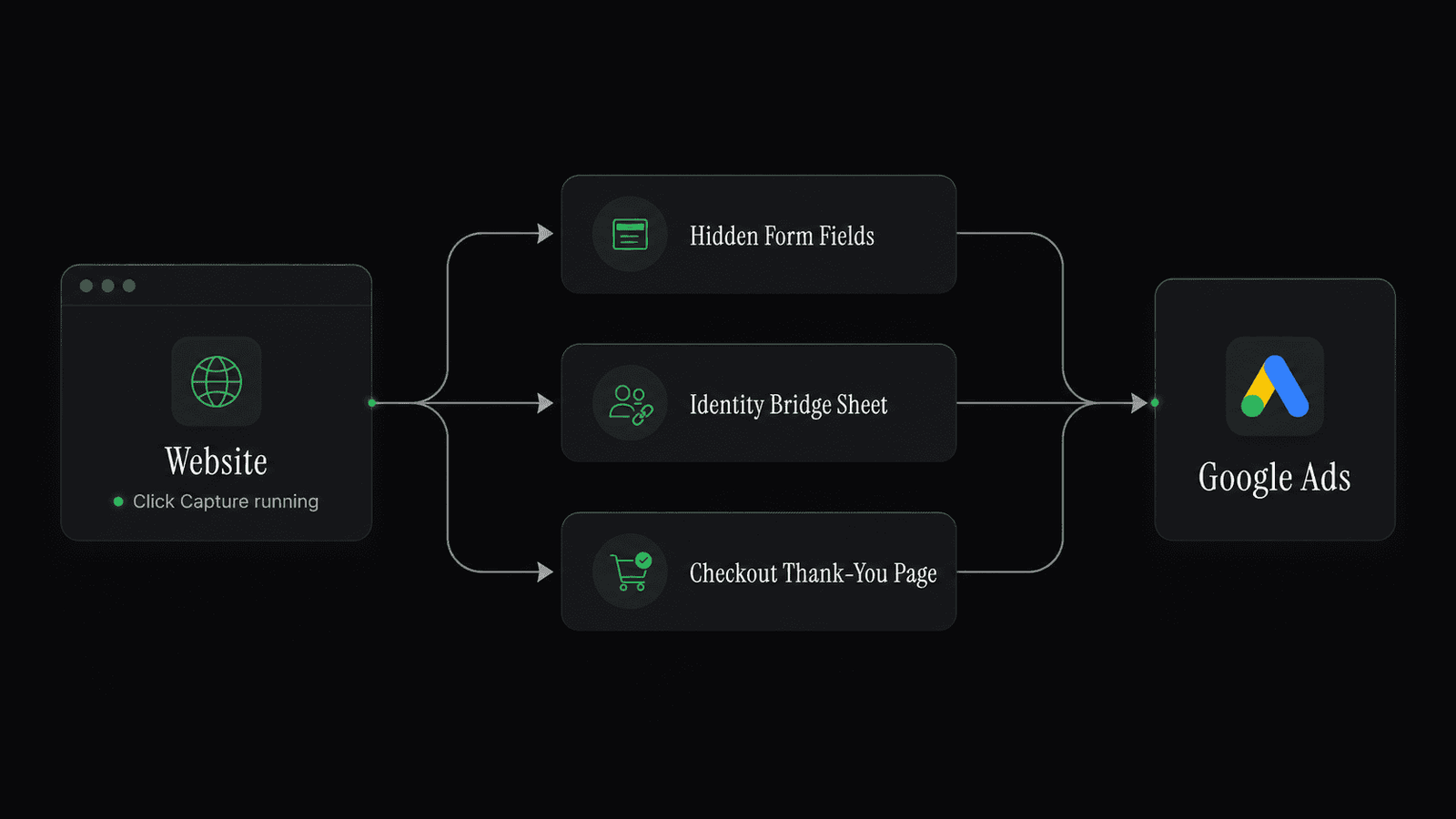
The Google Ads Tracking Blueprint gives you three tracking paths for different customer journeys.
Captures and stores supported Google Ads click information when someone lands on your website.
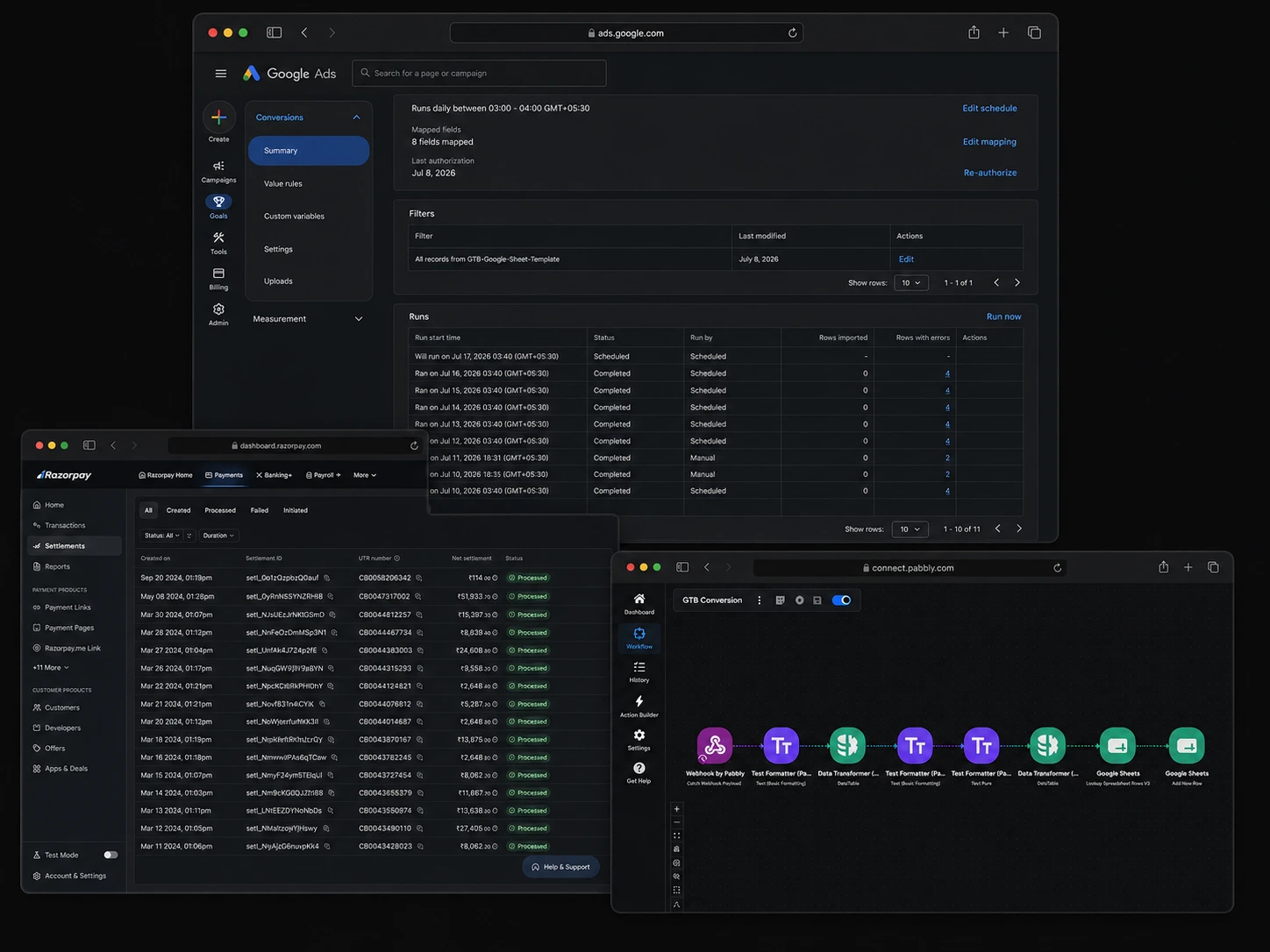
Connects a later CRM, WhatsApp, call or payment outcome with the original Google Ads click.
Captures supported purchase data from your website or payment-return page.
One system. Multiple journeys.
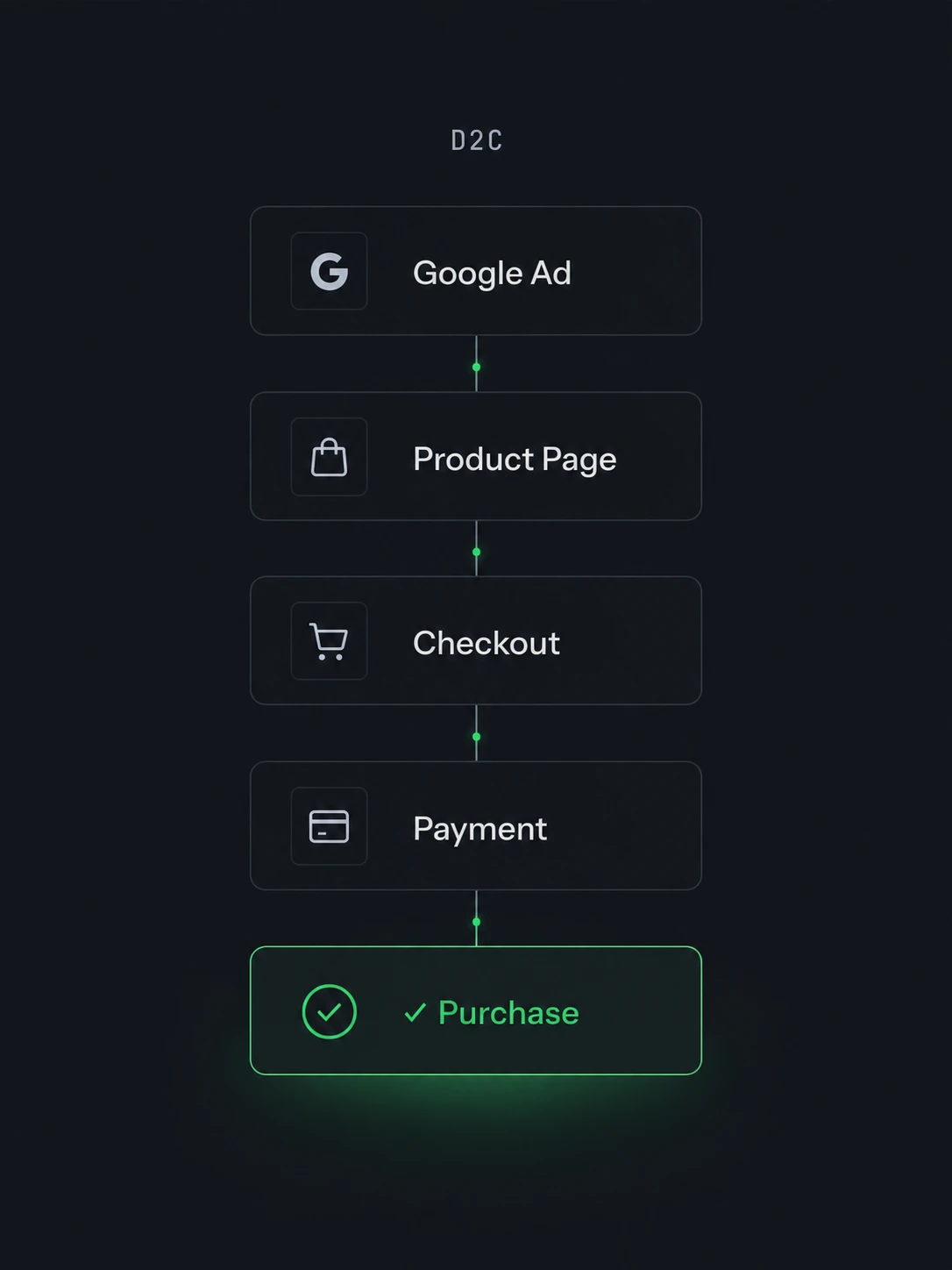
Track checkout actions, purchase values, currency and transaction IDs.
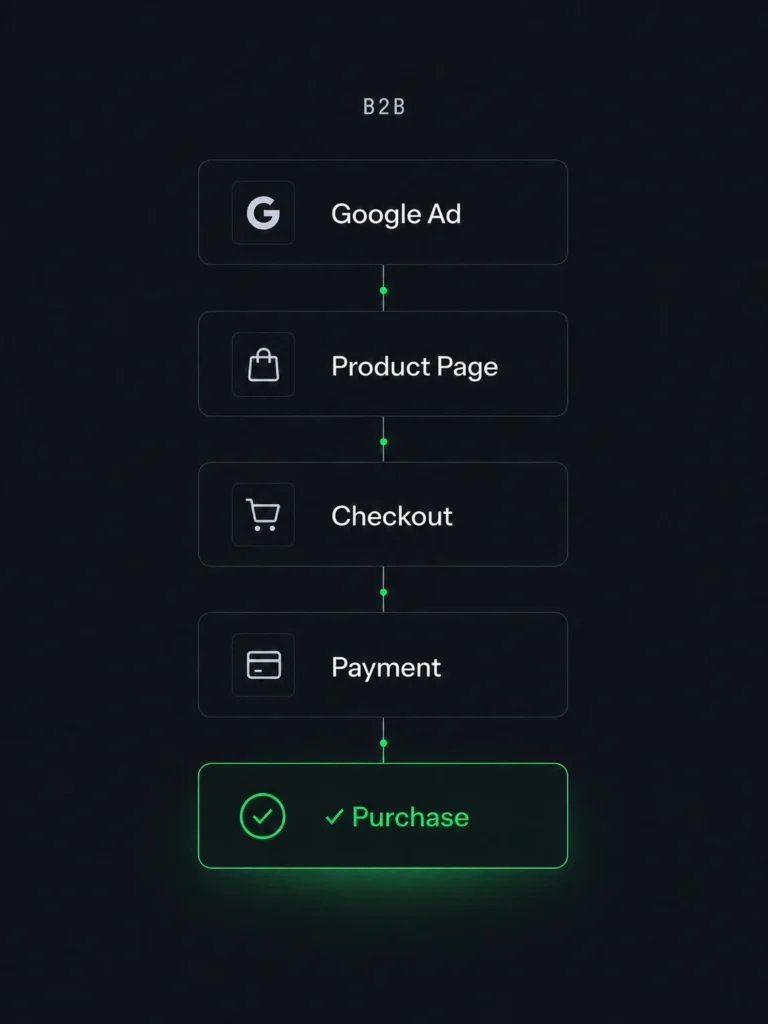
Send qualified leads and closed customers back to Google Ads.
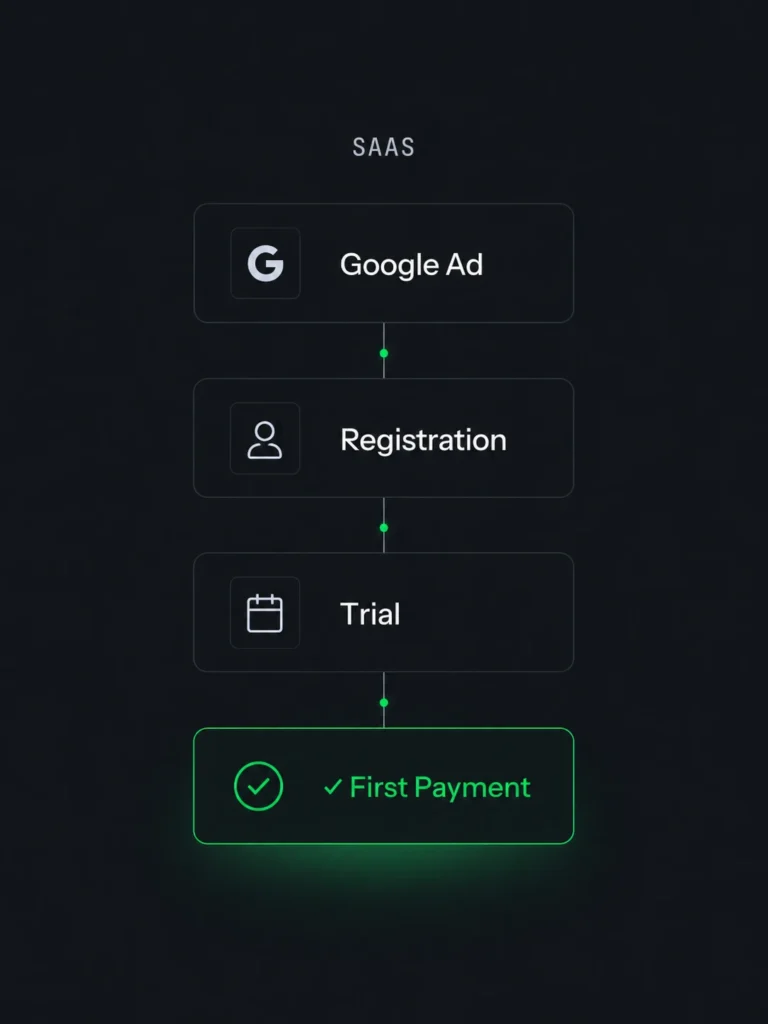
Track registrations, applications, trials, and first paid subscriptions.
From download to live tracking
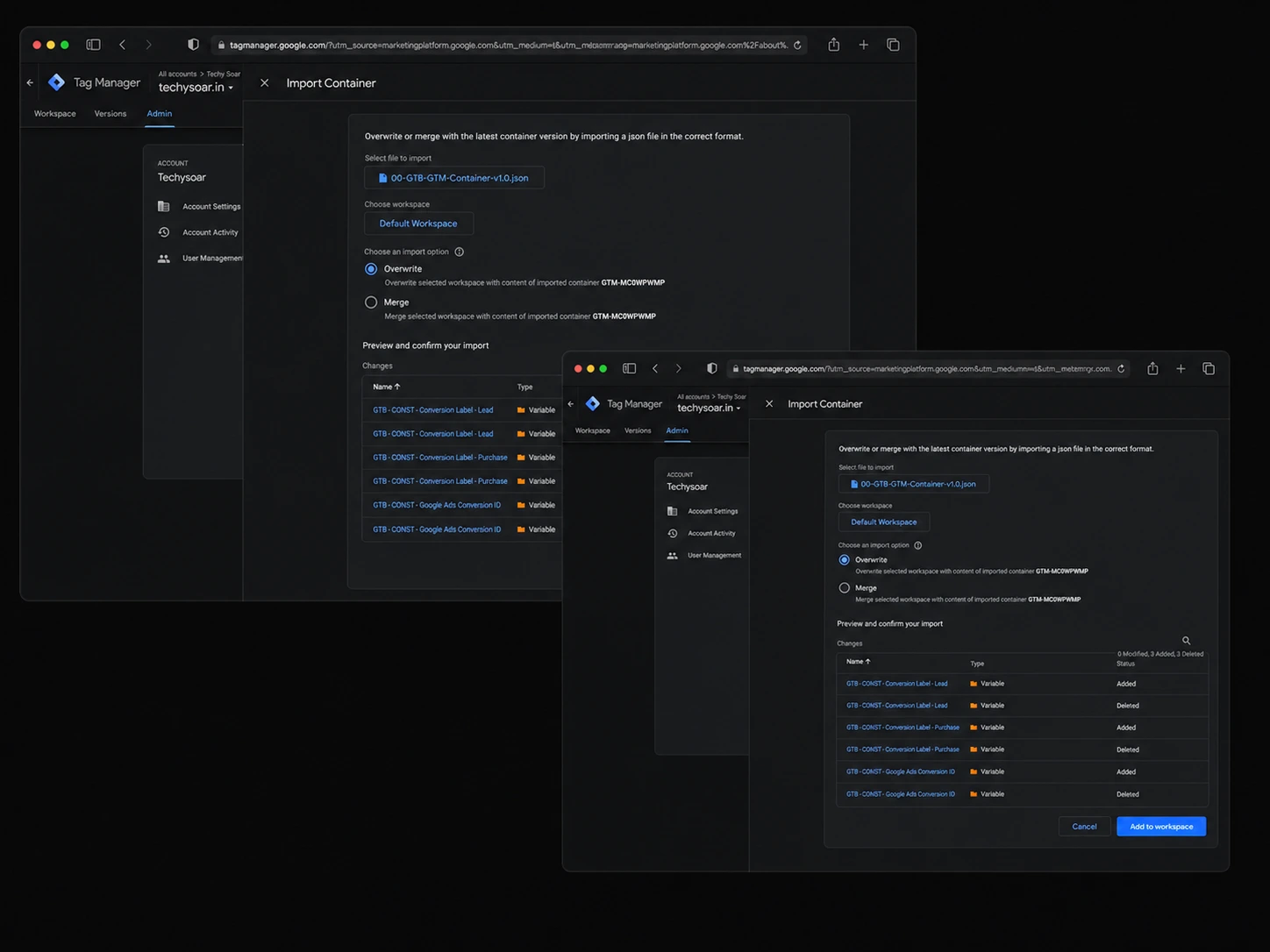
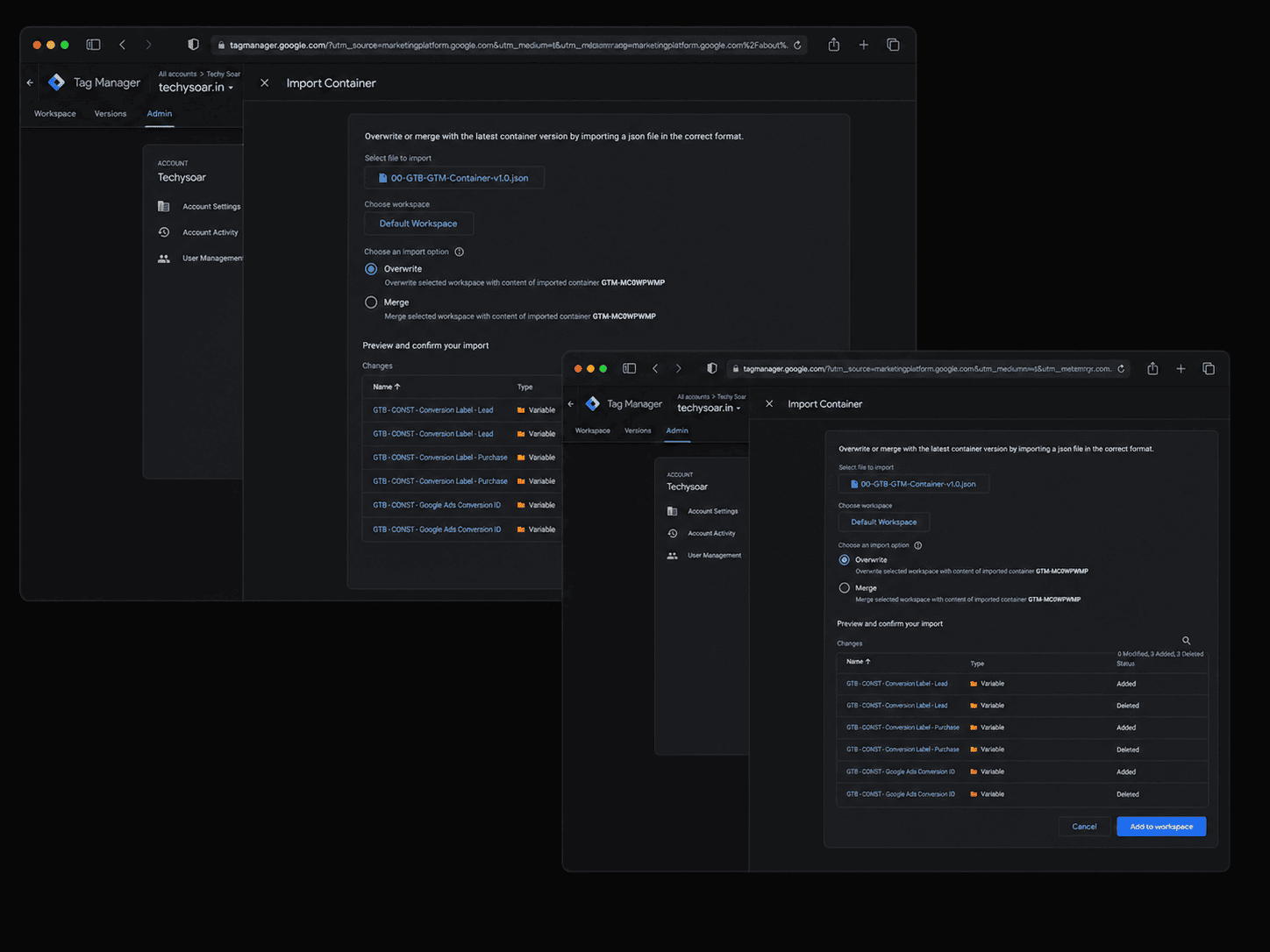
Import the container, add your Google Ads details and activate the events your business needs.
The complete v1.2.1 package
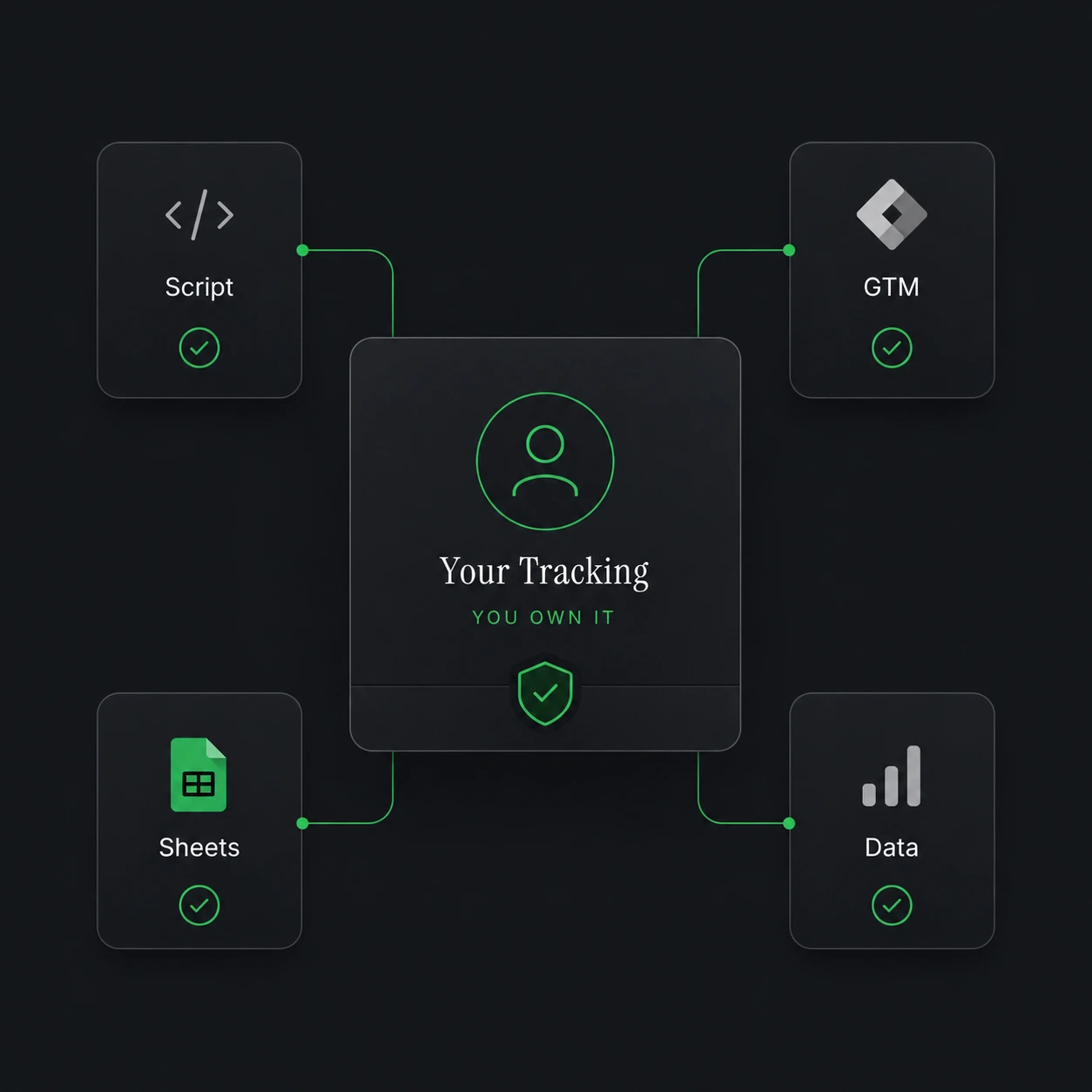
A production-ready JavaScript system for capturing ad-click data, customer information and supported checkout signals.
Ten Google Ads tags covering nine common lead, ecommerce and SaaS events.
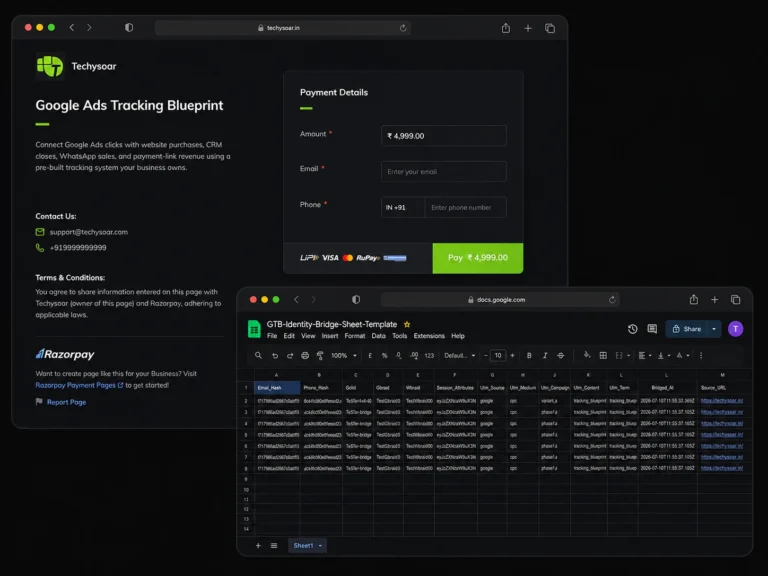
A ready-made Google Sheet structure for eligible off-site conversion imports.
Connect later CRM or payment outcomes with the original lead and Google Ads click.
Use website capture, Identity Bridge and Checkout Capture without rebuilding the entire setup.
Send properly structured first-party customer information with eligible conversions.
Built-in consent-aware tracking behaviour for supported consent implementations.
Transaction IDs and fire-once logic help prevent repeated purchase events.
Step-by-step written instructions for installation, configuration and troubleshooting.
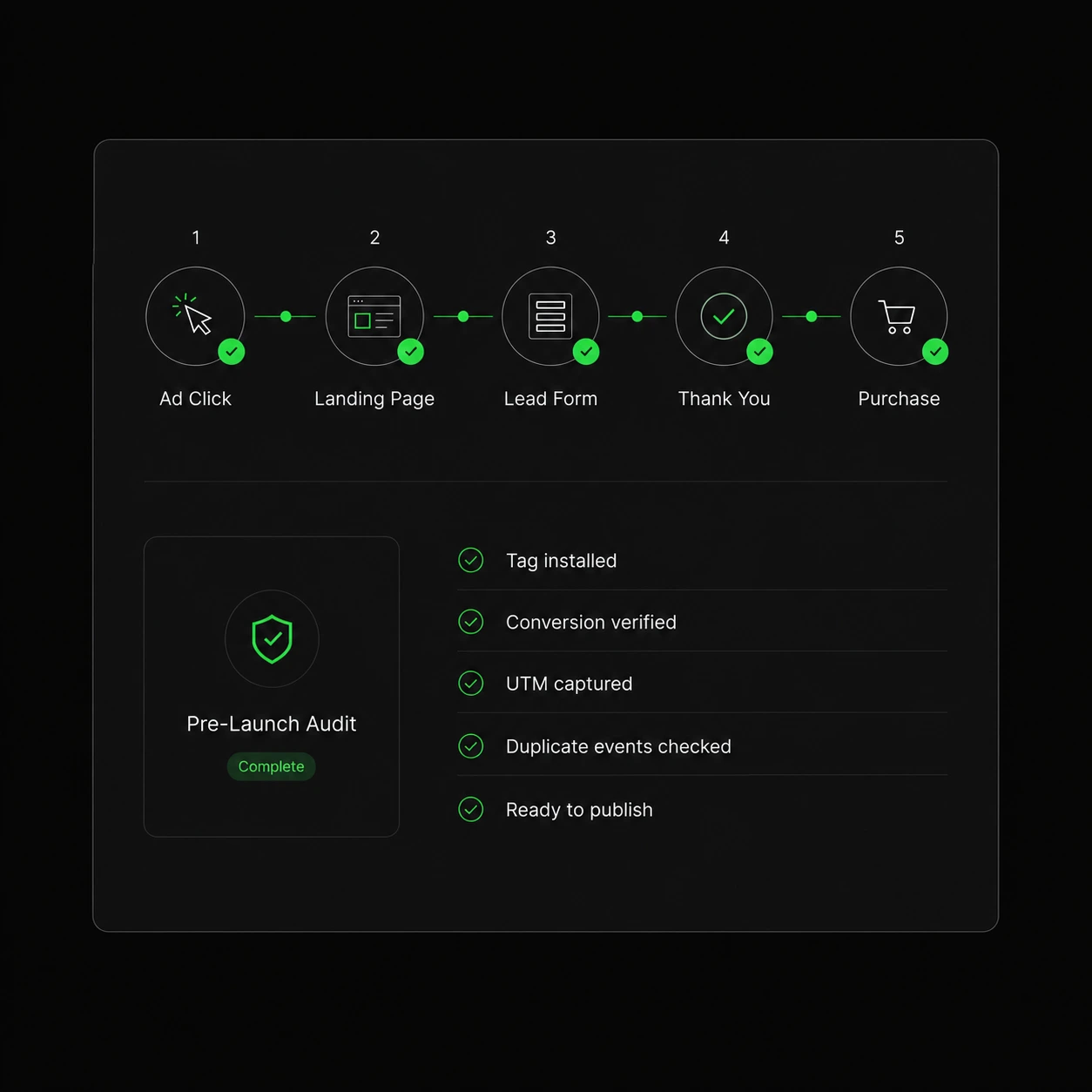
Check conversion values, customer data, click capture, transaction IDs, consent, uploads, and conversion goals.
Know what to check after installation and how to monitor your conversion data.
Receive future updates to the included system without another product renewal.
Pabbly Connect or a compatible automation tool may be required for automated off-site conversion workflows.
The cost of renting tracking
|
|
WhatConverts
|
Analyzify
|
Elevar
|
HYROS
|
Tracking Blueprint
|
|---|---|---|---|---|---|
|
Listed price
|
$60/mo
|
$109/mo
|
$200/mo
|
$230/mo
|
₹1,999 once
|
|
First-year software cost
|
$720
|
$1,305
|
$2,400
|
$2,760
|
₹1,999
|
|
Off-site conversion tracking
|
Calls & forms
|
—
|
Partial
|
Yes
|
Yes
|
|
Indian payment workflows
|
—
|
—
|
—
|
—
|
Razorpay, Cashfree, etc.
|
|
You own the setup
|
Rented
|
Partly
|
Rented
|
Rented
|
Forever
|
Competitor products vary in scope and may include dashboards, server-side infrastructure, multichannel reporting, call tracking or managed support. Prices checked in July 2026 and may change.
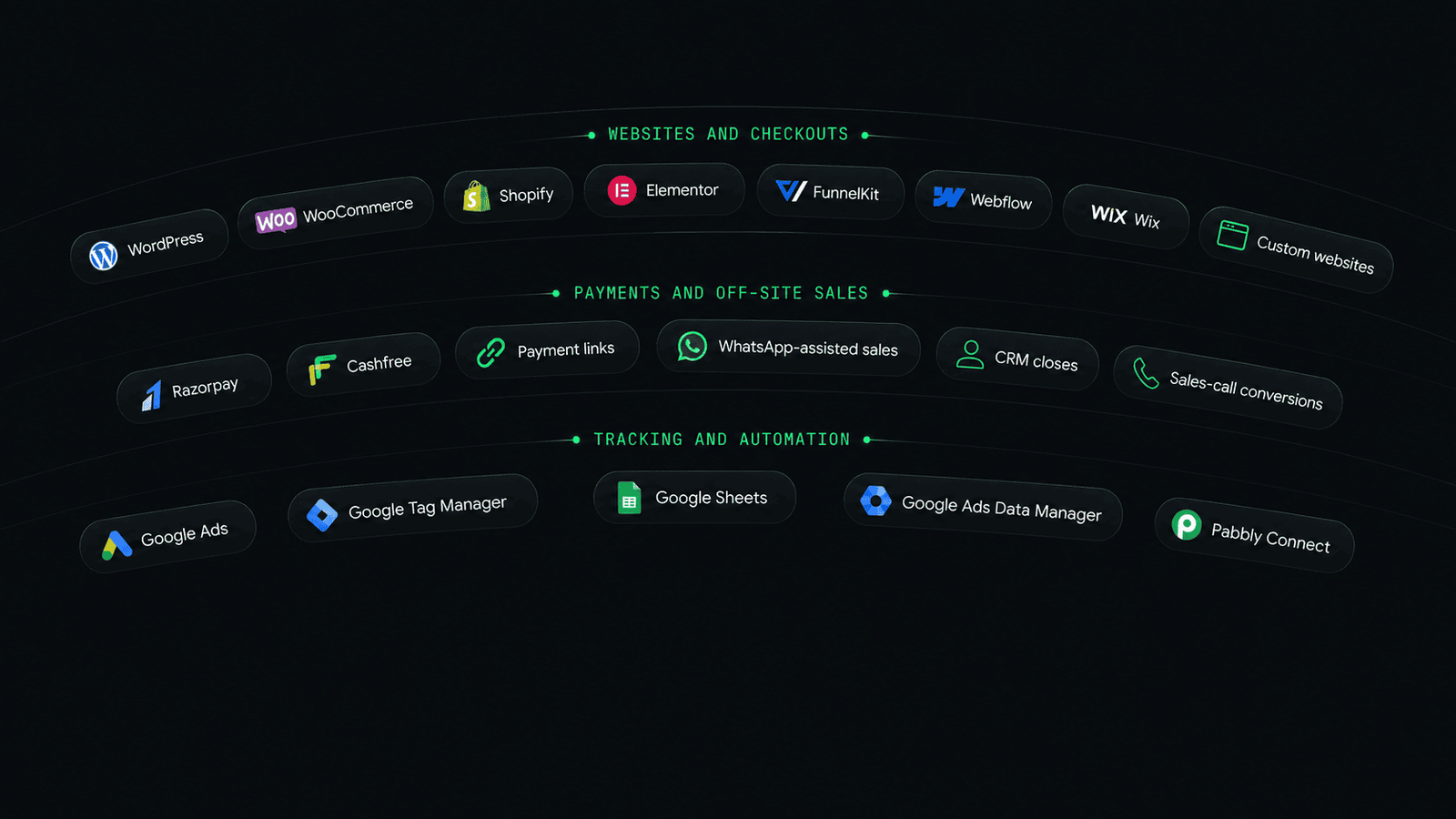
Built for real business stacks
14-day implementation assurance
Follow the installation guide and complete the included Pre-Launch Audit. When a supported setup is not firing correctly, you will receive a screen-share implementation review with Sanjay at no additional cost.
We help you get the system installed, tested, and working correctly.
Early-access pricing
Honest answers
No. It is a ready-to-install tracking system containing scripts, a GTM container, Google Sheet templates and implementation guides.
No. The system uses direct Google Ads conversion tags through Google Tag Manager.
Most standard WordPress, Elementor and WooCommerce installations can be completed by following the documentation. Highly customised setups may need technical assistance.
A standard WordPress or WooCommerce setup normally takes approximately 60–120 minutes.
The system supports common website, checkout, CRM and payment workflows. A detailed compatibility guide is available for custom or specialised setups.
The Business Licence covers one business and its owned websites. A separate Agency Licence will provide client-installation rights.
You receive implementation-related email and whatsapp support.
It gives Google Ads more complete and useful conversion information. Campaign results also depend on your offer, campaigns, budget and market.
Yes. Updates to the included product are available without another product renewal.
Your real customers should not be invisible
Install a Google Ads conversion tracking system that your business controls and owns.
One-time payment . Lifetime updates . 14-day implementation assurance
© 2026 Techysoar · Built in Jaipur, on real ad spend.
Conversion rebuilds for founders who spend on ads and want them to actually work. Built by Sanjay, in Jaipur, on his own money.
Conversion Diagnostic
Conversion Rebuild
Optimisation Retainer
The /rebuild page